Guide
What is an SRT file, and how to make one from a podcast
By Lev PerlmanUpdated 5 min read
An SRT file is a plain text subtitle file. It lists each caption as a number, a start and end time in the form 00:00:01,000 --> 00:00:03,500, the words to show, and then a blank line. Players, editors and platforms read it to put the right words on screen at the right moment. To make one from a podcast, transcribe the episode, correct the transcript, split it into short timed lines and save it as .srt. This guide shows the format with a working example, compares it with WebVTT, and lists where each is used.
The SRT format, line by line
SRT comes from SubRip, a program that pulled subtitles and their timings out of DVDs and video files. There is no formal specification, which is why the Library of Congress describes the format as not well standardised.1 In practice, every SRT file follows the same simple pattern:1
- A sequence number: 1 for the first caption, 2 for the second, and so on.
- The timecode: start time, then
-->, then end time. Times are written as hours:minutes:seconds,milliseconds, with a comma before the milliseconds. - The text: one or more lines of words to show.
- A blank line to end the caption.
Here is a small, complete SRT file:
1
00:00:01,000 --> 00:00:03,500
Welcome back to the show.

2
00:00:03,600 --> 00:00:06,200
Today we're talking about
recording a podcast at home.

3
00:00:06,800 --> 00:00:09,000
Let's start with microphones.
A few things to know:
- Encoding varies. SRT has no character encoding standard, so a file made in one program can show garbled accents in another.1 Save as UTF-8: it is what YouTube requires.2
- Styling is optional. Some players understand simple tags for bold, italic, underline and colour, but whether they show depends on the player.1 YouTube ignores style markup in SRT files.2
- Mistakes break files. A missing blank line, a full stop where the comma should be, or numbers out of order can stop a player reading the rest of the file.
SRT and WebVTT compared
WebVTT (.vtt) was based on SRT, and the two look almost the same.1 The same captions in WebVTT:
WEBVTT

1
00:00:01.000 --> 00:00:03.500
Welcome back to the show.

2
00:00:03.600 --> 00:00:06.200
Today we're talking about
recording a podcast at home.
The differences that matter:3
| SRT | WebVTT | |
|---|---|---|
| First line | The first caption number | The word WEBVTT |
| Before milliseconds | A comma: 00:00:01,000 | A full stop: 00:00:01.000 |
| Caption numbers | Required | Optional identifiers |
| Hours | Always written | Optional when zero: 00:01.000 |
| Position on screen | Not part of the format | Cue settings such as position and line |
| Styling | Simple tags, if the player supports them | CSS, in a web page or in STYLE blocks |
| Standard | No formal specification | A W3C specification |
Which to use? SRT is the safer choice for video editors and most upload forms. WebVTT was written for captions on web pages, through the HTML <track> element.3 If a platform accepts both, either works.
Where SRT files are used
- YouTube. SubRip (.srt) is one of the basic subtitle formats YouTube supports, alongside WebVTT (.vtt) as an advanced one. YouTube recommends basic formats such as SRT for people new to caption files.2
- Apple Podcasts. Apple generates transcripts automatically after an episode is published, but you can provide your own as a VTT or SRT file, through the RSS transcript tag. Apple says transcripts that do not meet its quality standards are not displayed.4
- Final Cut Pro imports SRT, iTT and CEA-608 caption files.5
- Premiere Pro. Import the SRT like any media and drag it into the sequence; Premiere puts the captions on a new caption track.6
- DaVinci Resolve imports SRT, TTML and XML subtitles, and exports subtitles as SRT or VTT.7
Our captions guide covers styling and burning in captions in each editor.
How to make an SRT file from a podcast
- Transcribe the episode. Use a transcription tool, your editor's speech-to-text, or podswitch. The cleaner each speaker's microphone, the better the transcript.
- Correct it. Fix names, jargon and numbers before you split it into captions. Apple suggests putting host and guest names in your show and episode descriptions so they are spelt correctly in its transcripts.4
- Split it into short lines. For video captions, one or two short lines per caption reads best. For a full-episode transcript file, longer captions are fine.
- Check the timing. Each caption should appear as the words are spoken and leave before the next starts.
- Save as
.srtin UTF-8, and test it in a player or your editor before you publish.
Uploading the SRT to YouTube
In YouTube Studio, choose Subtitles from the left-hand menu, select the video, click Add language and pick the language. Under Subtitles, click Add, choose to upload a file, select your SRT and save.8
If you only have plain text with no timings, YouTube's Auto-sync can time a transcript to the video. YouTube says it is not recommended for videos over an hour long or with poor audio,8 which matters for long podcast episodes. An SRT made from the episode already has its timings.
Podcast transcripts, SRT and WebVTT from podswitch
On plans with social clips, podswitch transcribes your episode with every word matched to the person speaking. Correct it in the browser, then download it as plain text with speaker names, or as SRT or WebVTT subtitles for the whole episode. You can also replace it with your own SRT or VTT file, and your corrections are used for themes and new clips.
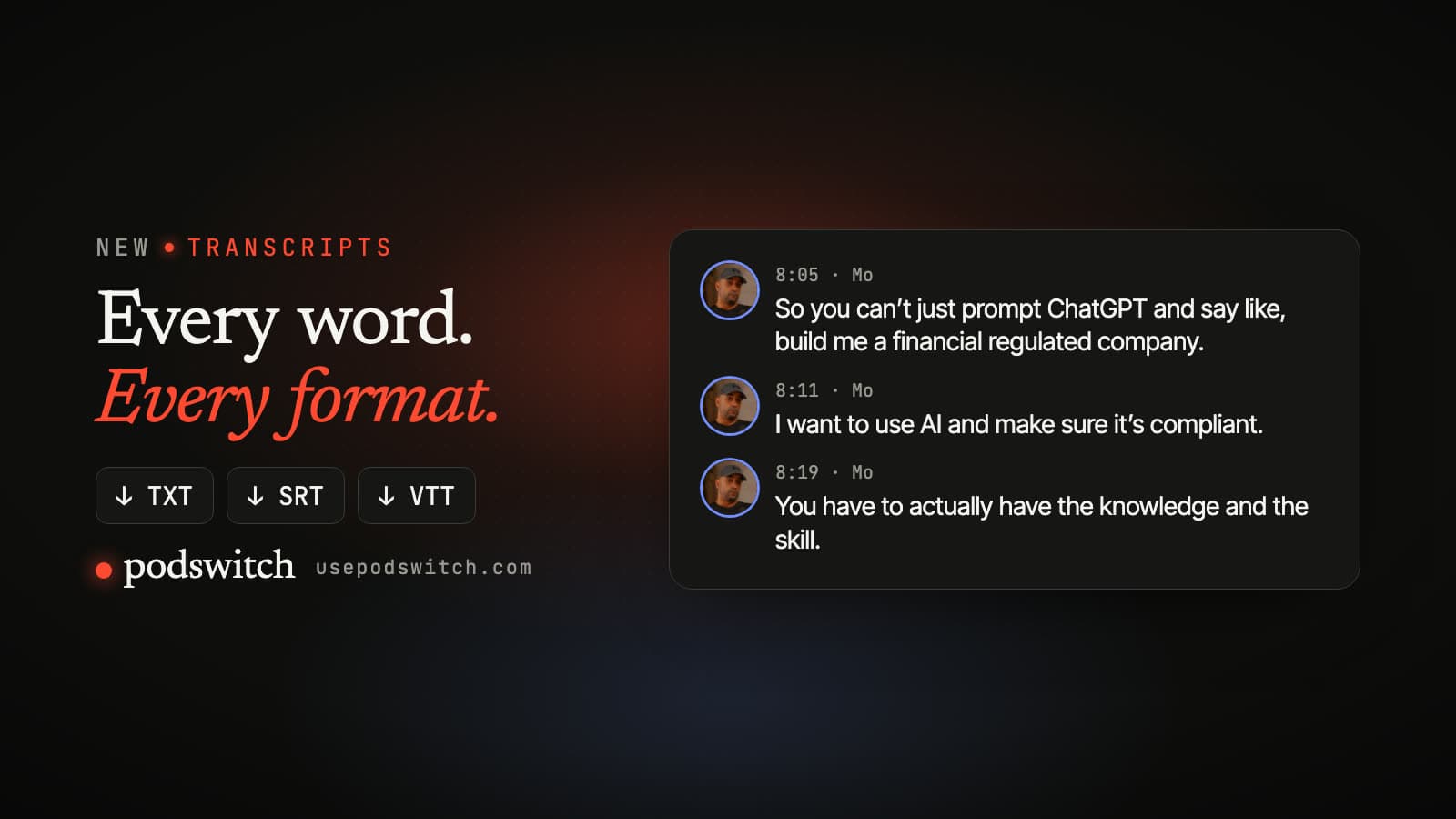
Every clip gets captions timed to the words, which you can correct, with each line's timing, to the millisecond. Final Cut Pro can take them as styled titles or plain editable captions; Premiere Pro and DaVinci Resolve get styled text layers or a plain SRT file. See podcast transcripts for more.
Sources
-
Library of Congress, Sustainability of Digital Formats, "SubRip Subtitle format (SRT)", fdd000569. https://www.loc.gov/preservation/digital/formats/fdd/fdd000569.shtml ↩ ↩2 ↩3 ↩4 ↩5
-
YouTube Help, "Supported subtitle and closed caption files". https://support.google.com/youtube/answer/2734698?hl=en-GB ↩ ↩2 ↩3
-
W3C, "WebVTT: The Web Video Text Tracks Format", Candidate Recommendation Draft, 20 May 2026. https://www.w3.org/TR/webvtt1/ ↩ ↩2
-
Apple Podcasts for Creators, "Transcripts on Apple Podcasts". https://podcasters.apple.com/support/5316-transcripts-on-apple-podcasts ↩ ↩2
-
Apple, Final Cut Pro User Guide, "Import closed captions". https://support.apple.com/guide/final-cut-pro/import-closed-captions-ver4185ef95a/mac ↩
-
Adobe Help, "Import caption file from third-party service", last updated 7 January 2026. https://helpx.adobe.com/premiere/desktop/add-text-images/insert-captions/import-caption-file-from-third-party-service.html ↩
-
Blackmagic Design, DaVinci Resolve Edit page, "Subtitles and Closed Captioning". https://www.blackmagicdesign.com/products/davinciresolve/edit ↩
-
YouTube Help, "Add subtitles and captions". https://support.google.com/youtube/answer/2734796?hl=en-GB ↩ ↩2
Common questions
What is an SRT file?
A plain text file of subtitles. Each subtitle has a number, a start and end time, and the words to show. Video players, editors and platforms such as YouTube read it to show captions at the right moment. The format comes from SubRip, a program that extracted subtitles from DVDs and video files.
How do I open an SRT file?
In any plain text editor, such as TextEdit on a Mac or Notepad on Windows. To see it as captions, load it next to the video in a player, import it into your video editor, or upload it to YouTube as a subtitle file.
What is the difference between SRT and VTT?
They look almost the same. A WebVTT file starts with the line WEBVTT, uses a full stop rather than a comma before the milliseconds, and supports positioning and styling. WebVTT was based on SRT. YouTube accepts both, and Apple Podcasts accepts both for transcripts.
Can I upload an SRT file to YouTube?
Yes. SubRip (.srt) is one of the basic formats YouTube supports. YouTube reads the timing and text but ignores style markup, and the file must be plain UTF-8 text.
Is an SRT file the same as a podcast transcript?
An SRT is a transcript split into short, timed pieces. A plain transcript is easier to read on a web page; an SRT is what you need for captions. Apple Podcasts accepts transcripts as SRT or VTT files.