New · Social Studio
One episode in. A week of posts out.
The Social Studio turns your podcast into everything you post about it. AI picks the short clips worth sharing and scores each one. You get them vertical, square or landscape, with music made for the conversation, thumbnails drawn from your own footage and a post written for each platform.
- AI clips
- Viral score
- 9:16 · 1:1 · 16:9
- Music
- Thumbnails
- Post text
- One ZIP

Every image on this page is podswitch output or the app itself, made from our own recording of Lev and Mo.
Short clips
The moments worth posting, picked and scored.
AI reads the whole conversation and looks for a hook in the first few seconds, one clear point and a payoff that makes sense on its own. podswitch then builds each clip from your camera files, ready to check and export.
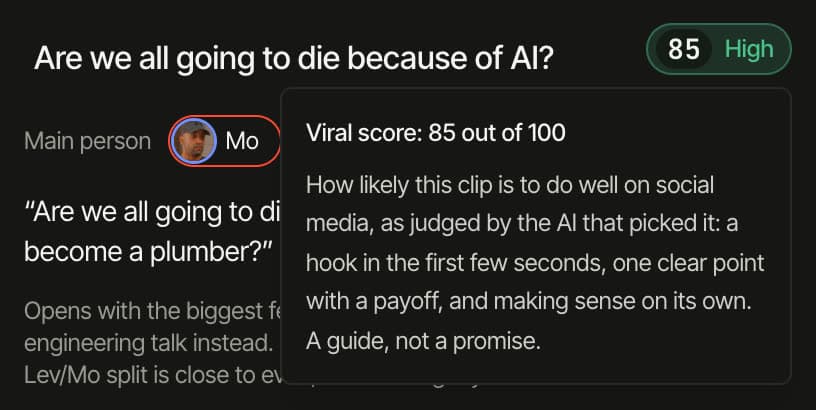
- A score you can read at a glance
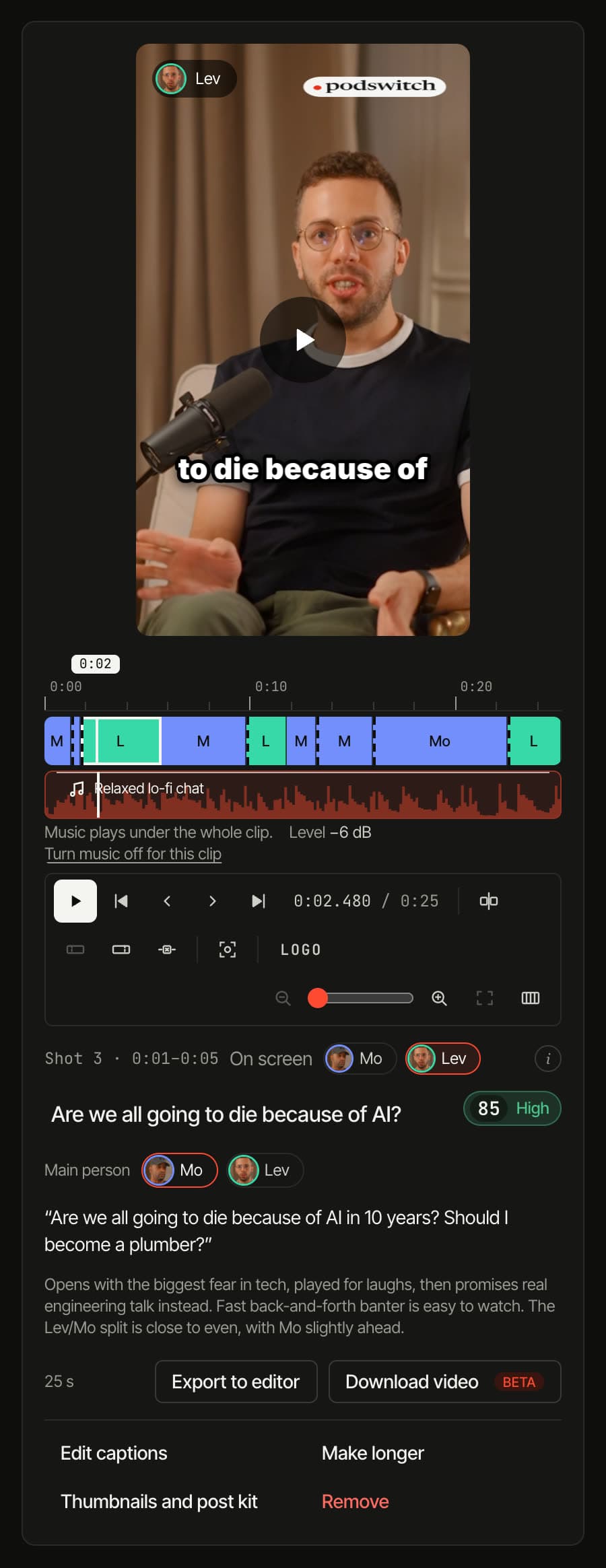
- Every clip gets a viral score out of 100 with a band: High from 80, Good from 60, Fair below. Open it to see what the score weighs, and read the reason the clip was picked right on the card.
- Pauses out, speaker in shot
- Dead air is cut, the camera follows whoever is talking, and the listener cuts in for reactions so it still feels like a conversation.
- Captions in your style
- Six starting styles, then any font, colour, outline, box or word highlight you like. Fix any word, and its timing to the millisecond.
- Longer when it deserves it
- Like a clip? Ask for a longer version, up to three minutes, that keeps the same moment and hook.
Vertical and horizontal
Every shape, framed on whoever is talking.
See each shape with frames from your own cameras before you ask for clips. The crop can sit on the speaker’s face automatically, worked out in your browser, and you can set each camera’s framing once for every clip.
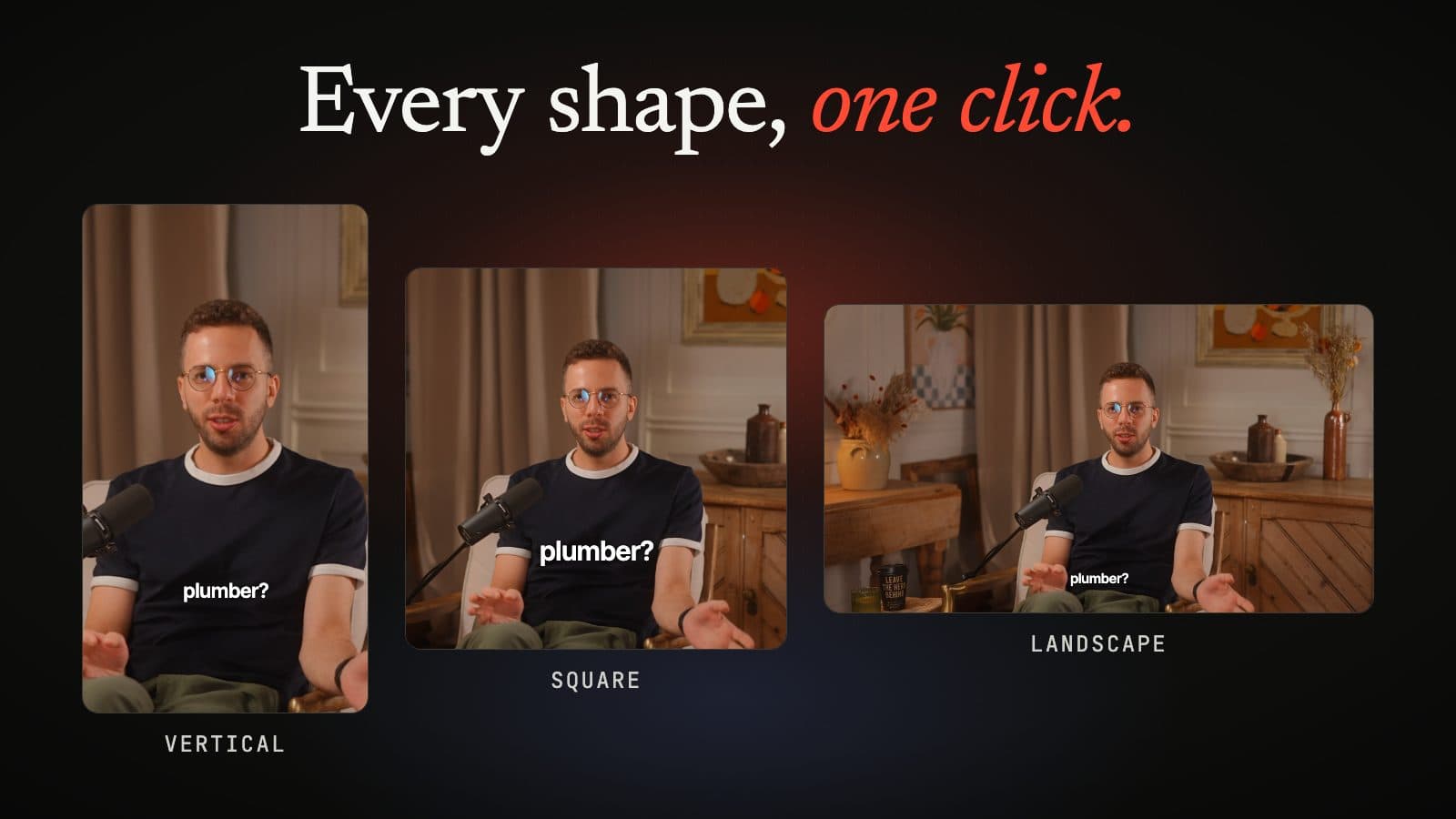
- Vertical 9:16
- Reels, TikTok and YouTube Shorts.
- Square 1:1
- Instagram and LinkedIn feeds.
- Landscape 16:9
- YouTube, X and the web.
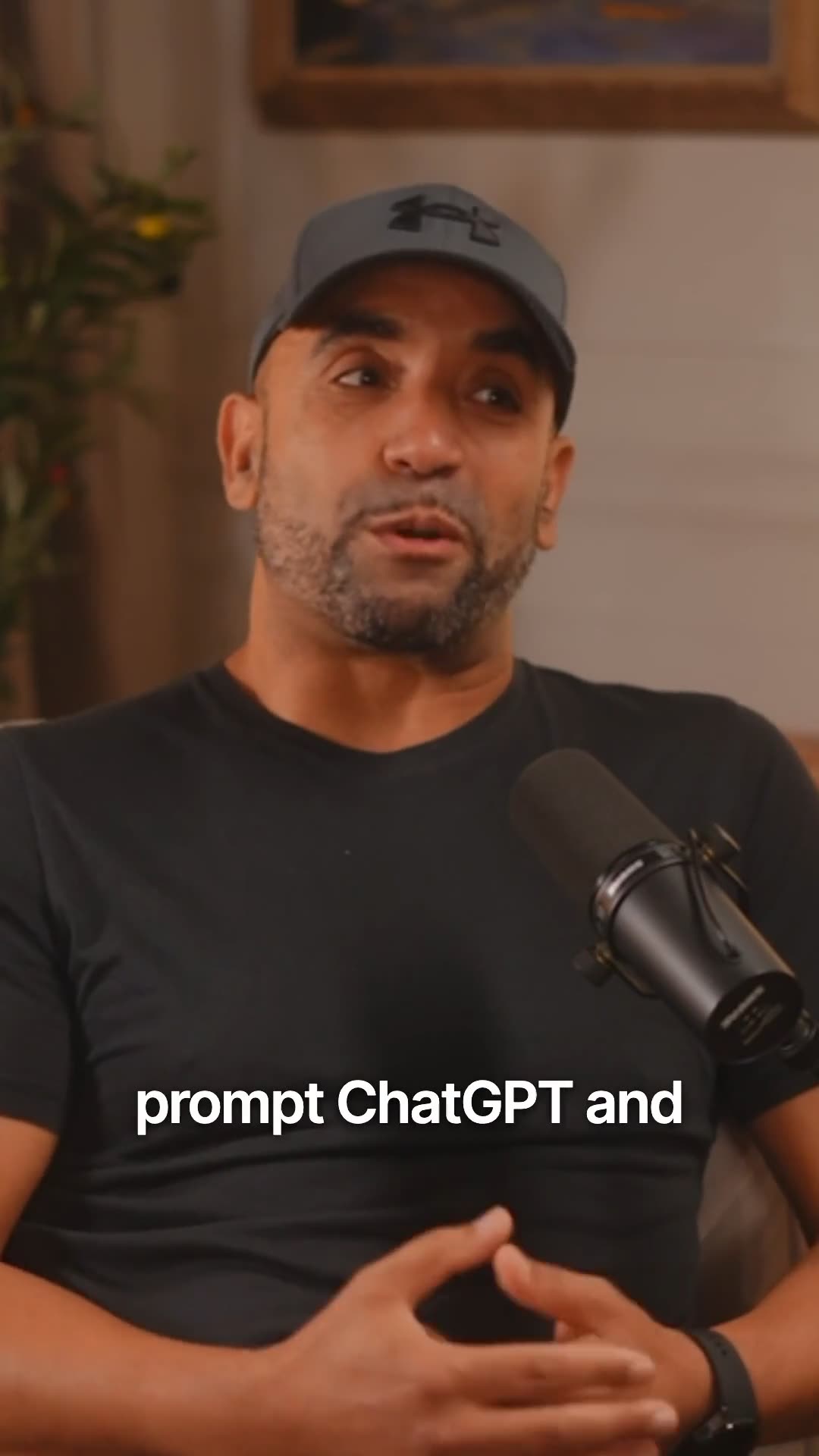
A real vertical clip, captions burned in.
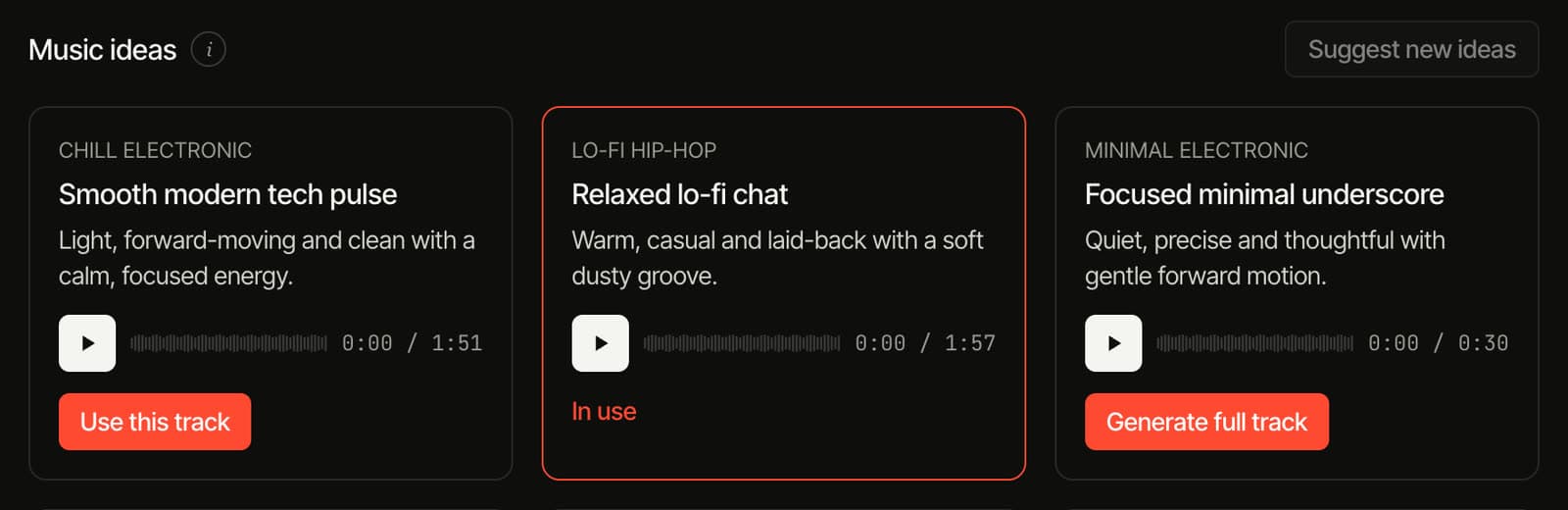
Background music · MAX
Music made for this conversation.
podswitch suggests music from what your guests talk about, lets you hear it first, and lays it under the edit quietly, stepping back whenever someone speaks.
- Ideas from your conversation
- Three music ideas based on what is actually said, each with a mood and a 30-second sample to hear before you choose.
- A full track, under everything
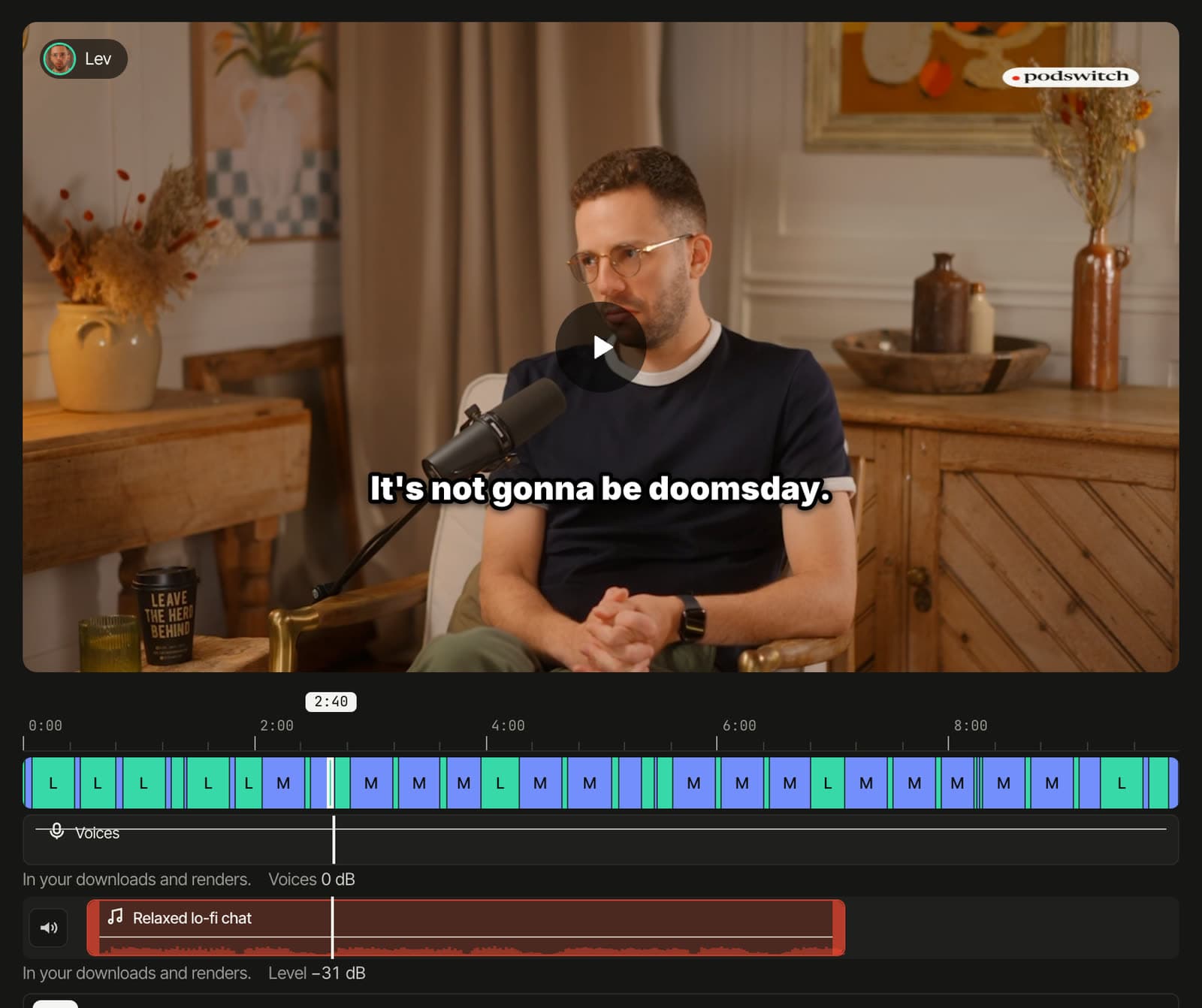
- The track you pick plays quietly under the full edit and every clip, and dips whenever someone speaks.
- On the timeline, like any track
- Move it, trim either end and set its level in decibels, right on the timeline. Switch it off for any clip.
- Its own track in your editor
- In the Final Cut Pro, Premiere Pro and DaVinci Resolve files the music sits on its own track, so you can still adjust it there. The rendered MP4s include it too.
The music is made with AI.
Thumbnails · MAX
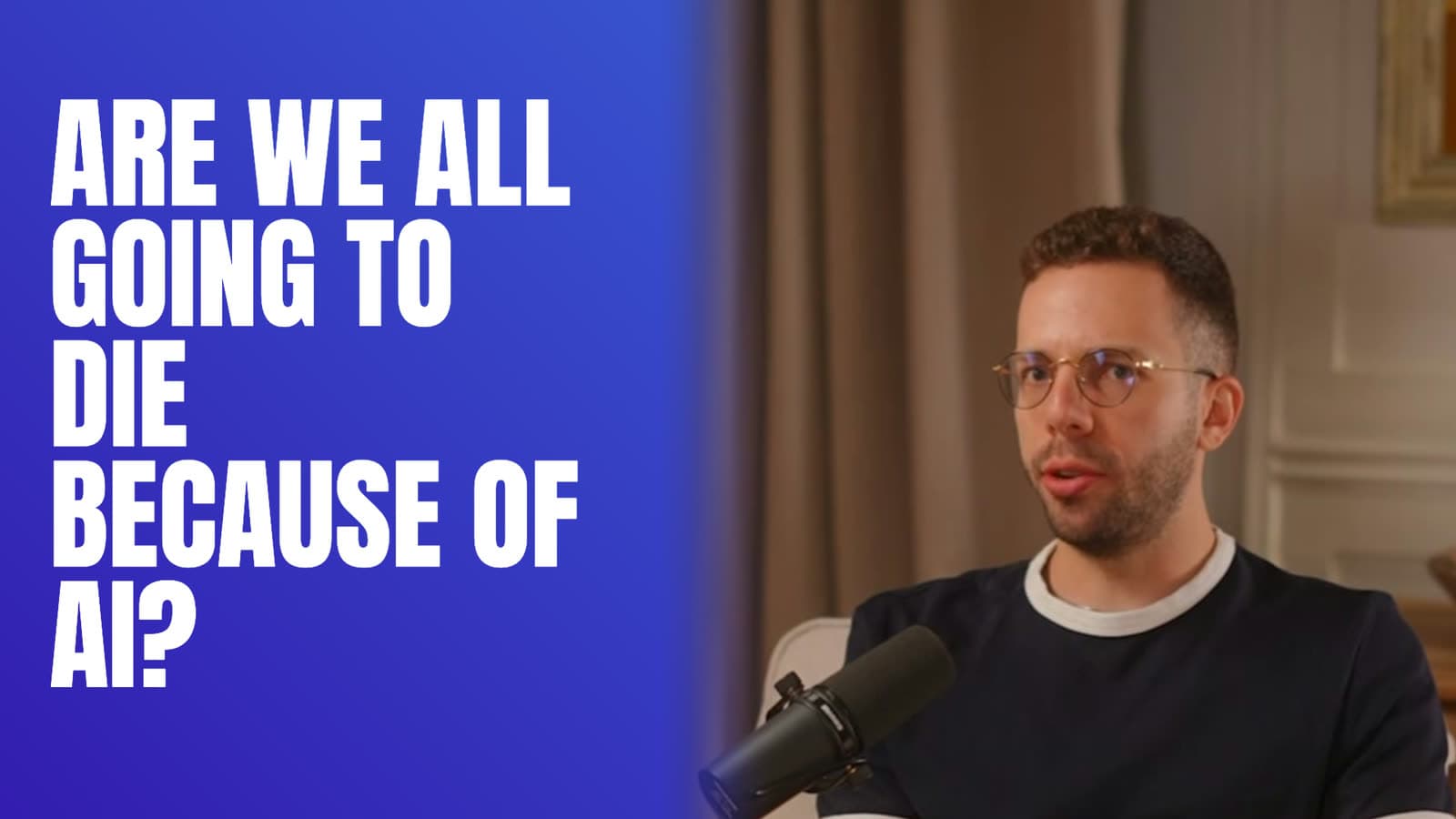
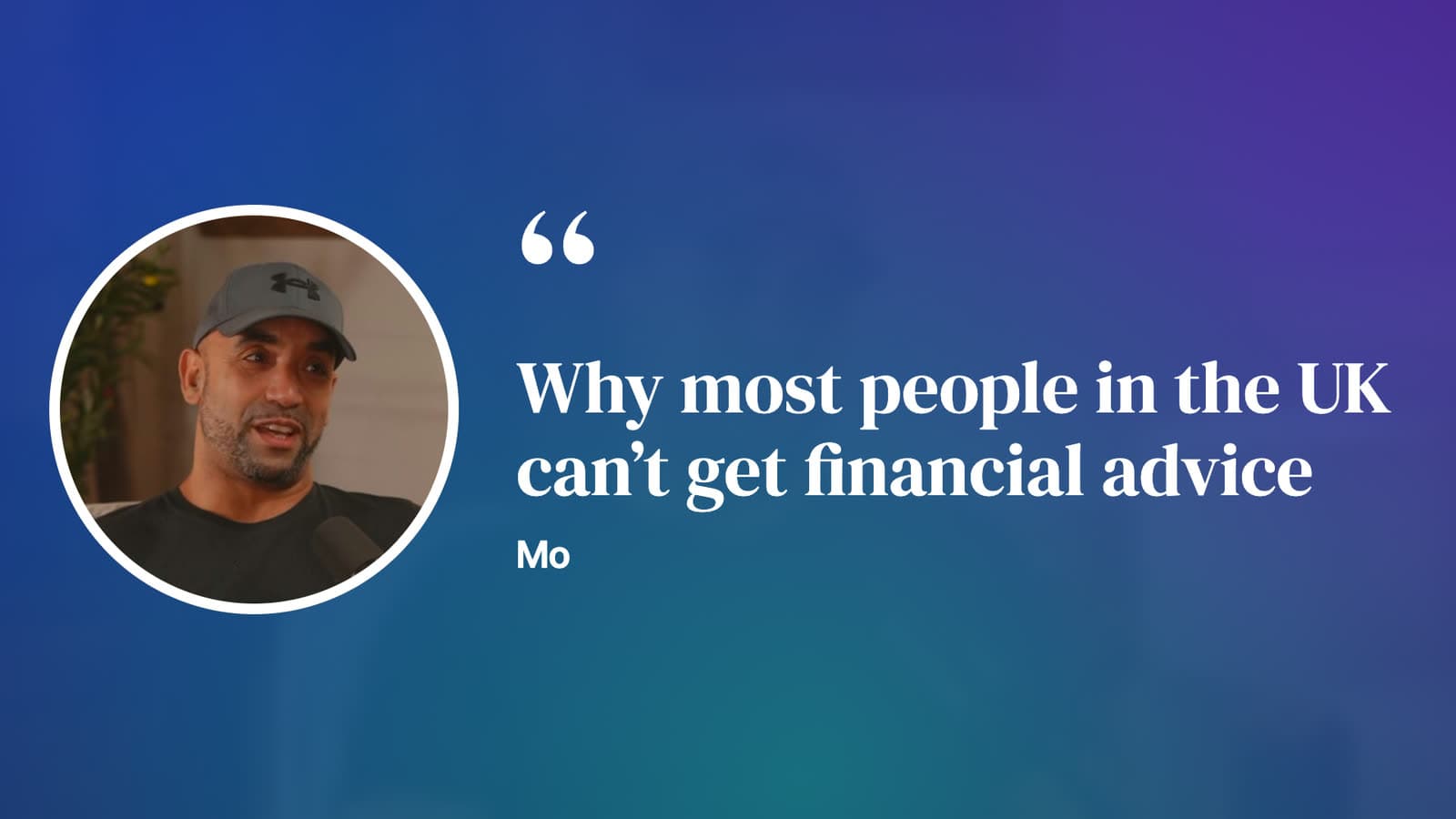
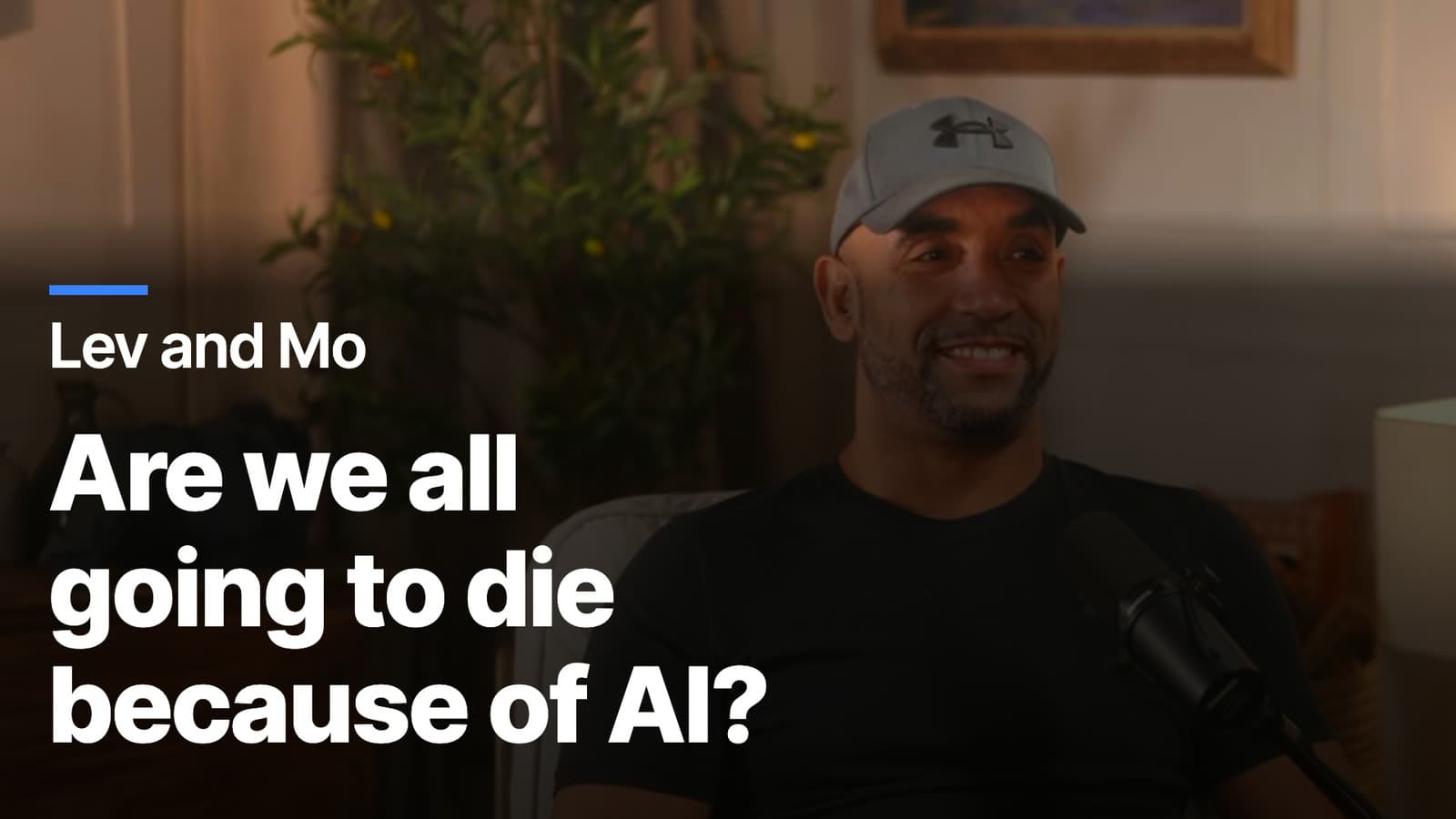
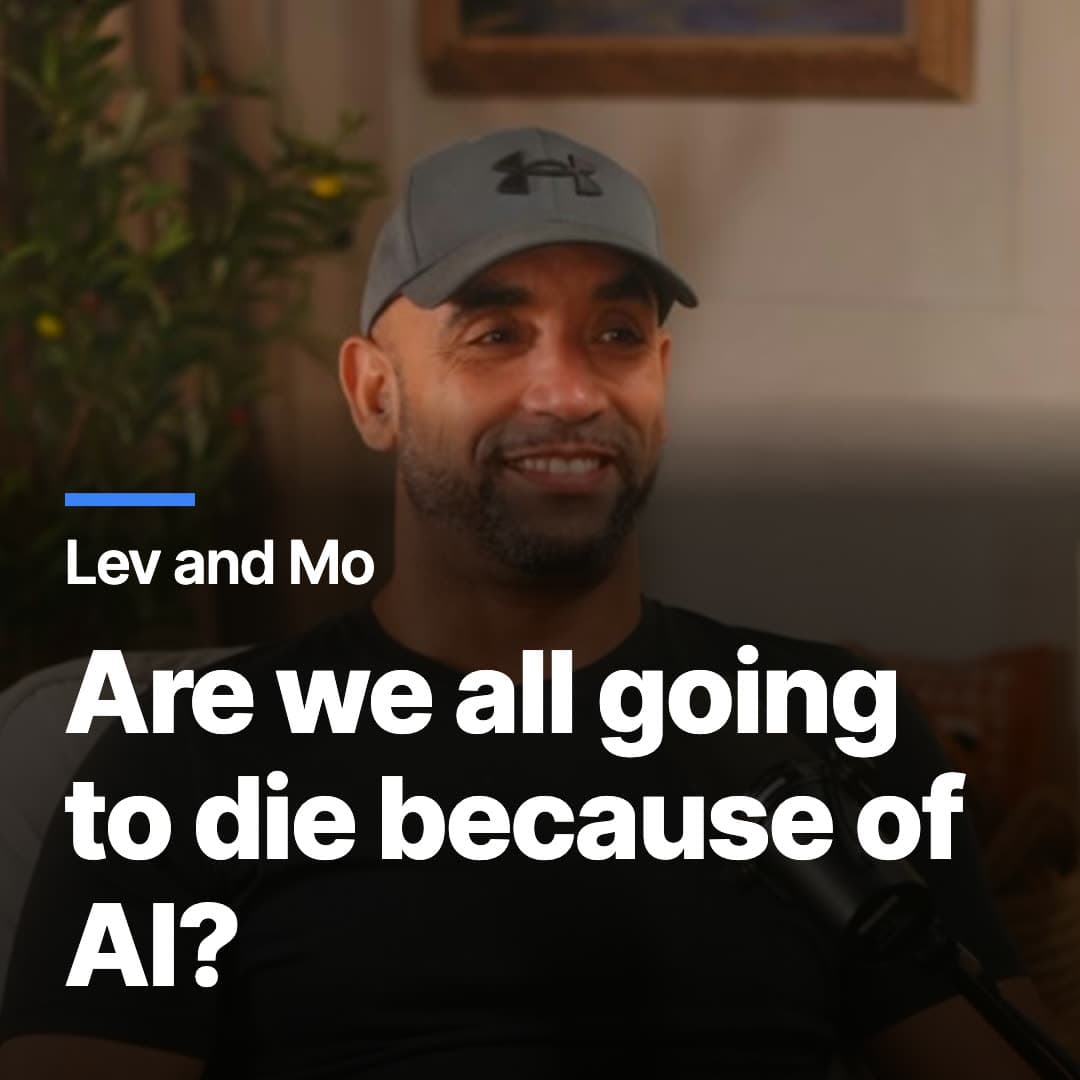
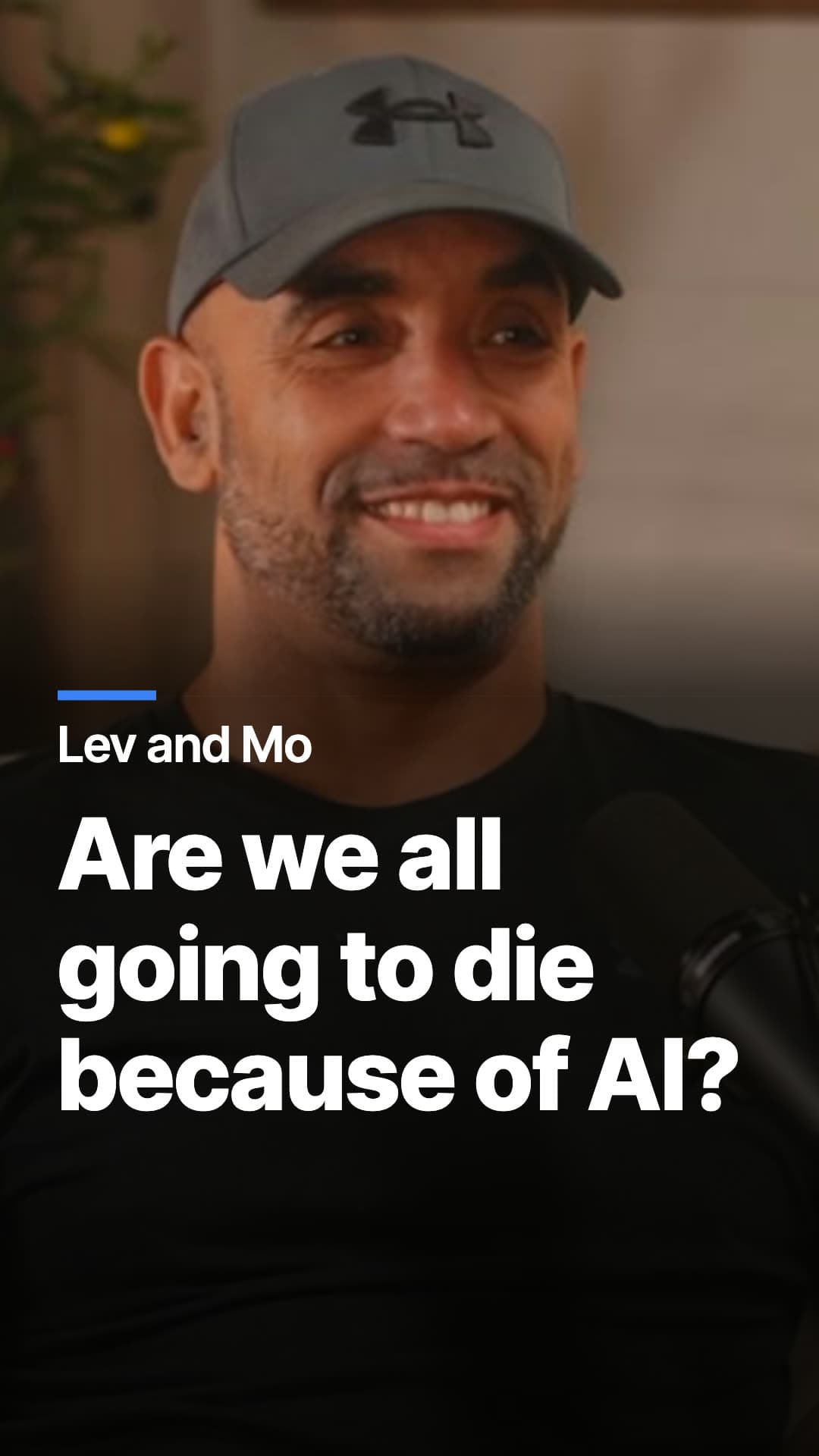
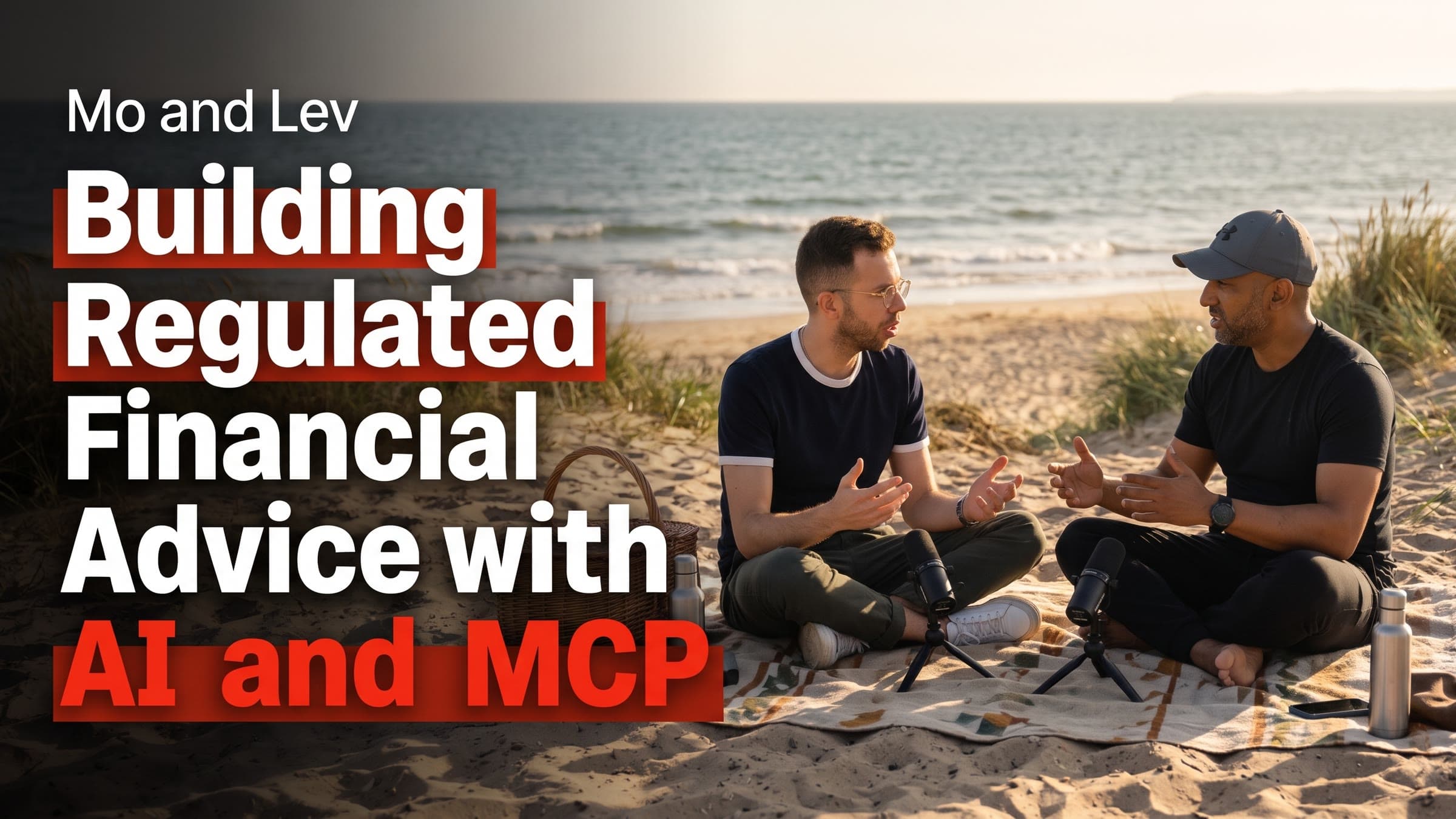
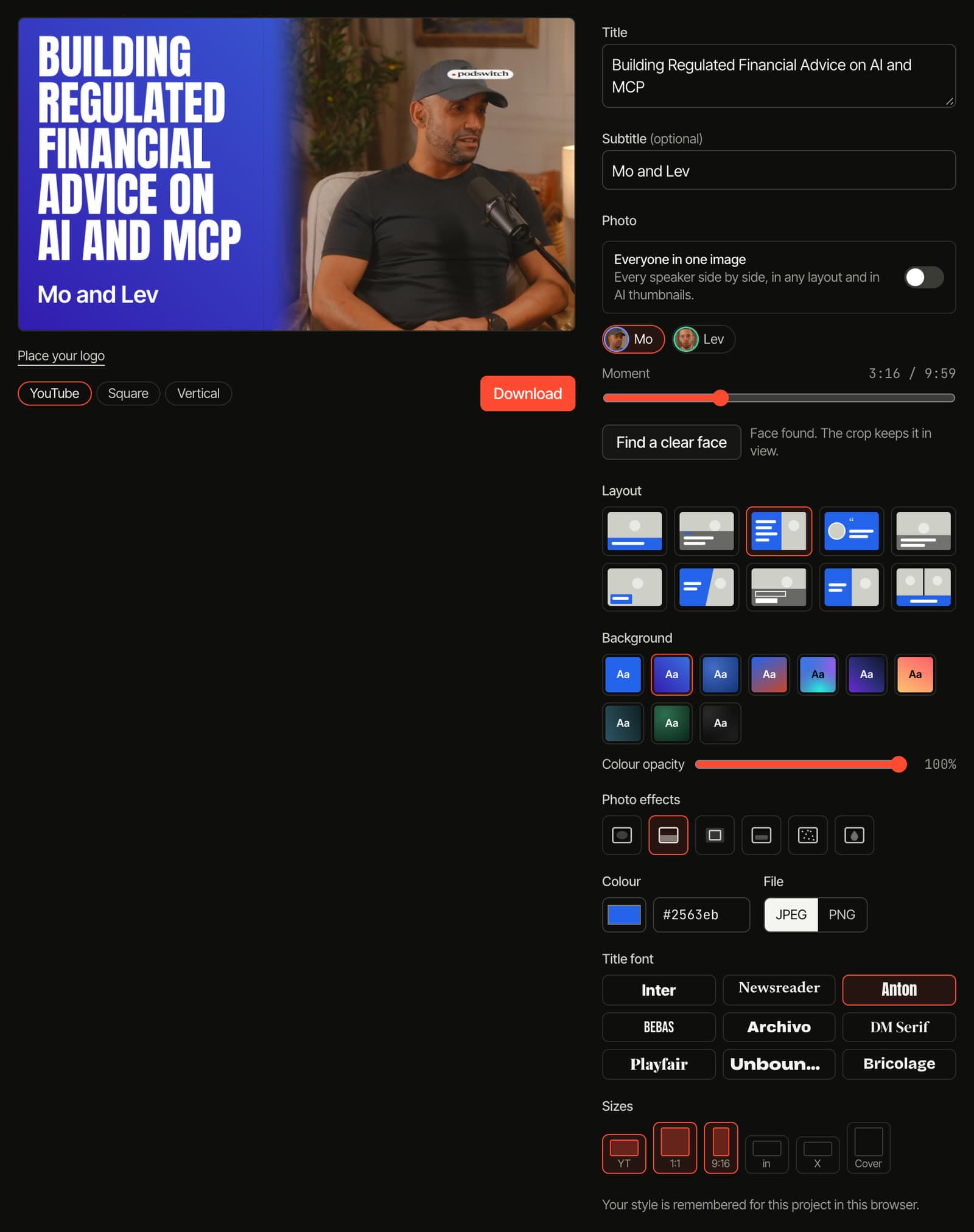
Thumbnails from your own footage, in every size.
A design for the episode and every clip, drawn from real frames of your guests. These were made by podswitch from one 10-minute sample, with no editing afterwards.


One design, every platform
Choose a design once and podswitch lays it out for each size, keeping faces and titles clear of the buttons that phone apps draw over vertical covers.
- YouTube 3840 × 2160
- Square 1080 × 1080
- Vertical 1080 × 1920
- LinkedIn 1200 × 627
- X 1200 × 600
- Podcast cover 3000 × 3000
- From your own camera frames
- Pick the person by name and face and the moment on a slider. Your browser takes the frame from your camera files and finds a clear face, so nothing is uploaded to make these designs.
- Layouts, colour and type
- 10 layouts, solid colours and gradients, a colour opacity setting that lets the photo show through, photo effects such as vignette, colour fade, frosted panel, film grain and tint, and 9 title fonts.
- Everyone in one image
- Put every speaker in the same design, side by side, in any layout.
- Your logo on top
- Add your logo once and place it for each shape. It shows on the thumbnails, the clips and the full edit.
- AI thumbnails
- Describe the design you want in your own words. AI makes it from the frames you choose, with instructions to keep everyone recognisable, and it appears next to your other designs. The frames and your words are sent to our image provider for this.
Social kit · MAX
A post for every platform, in its own voice.
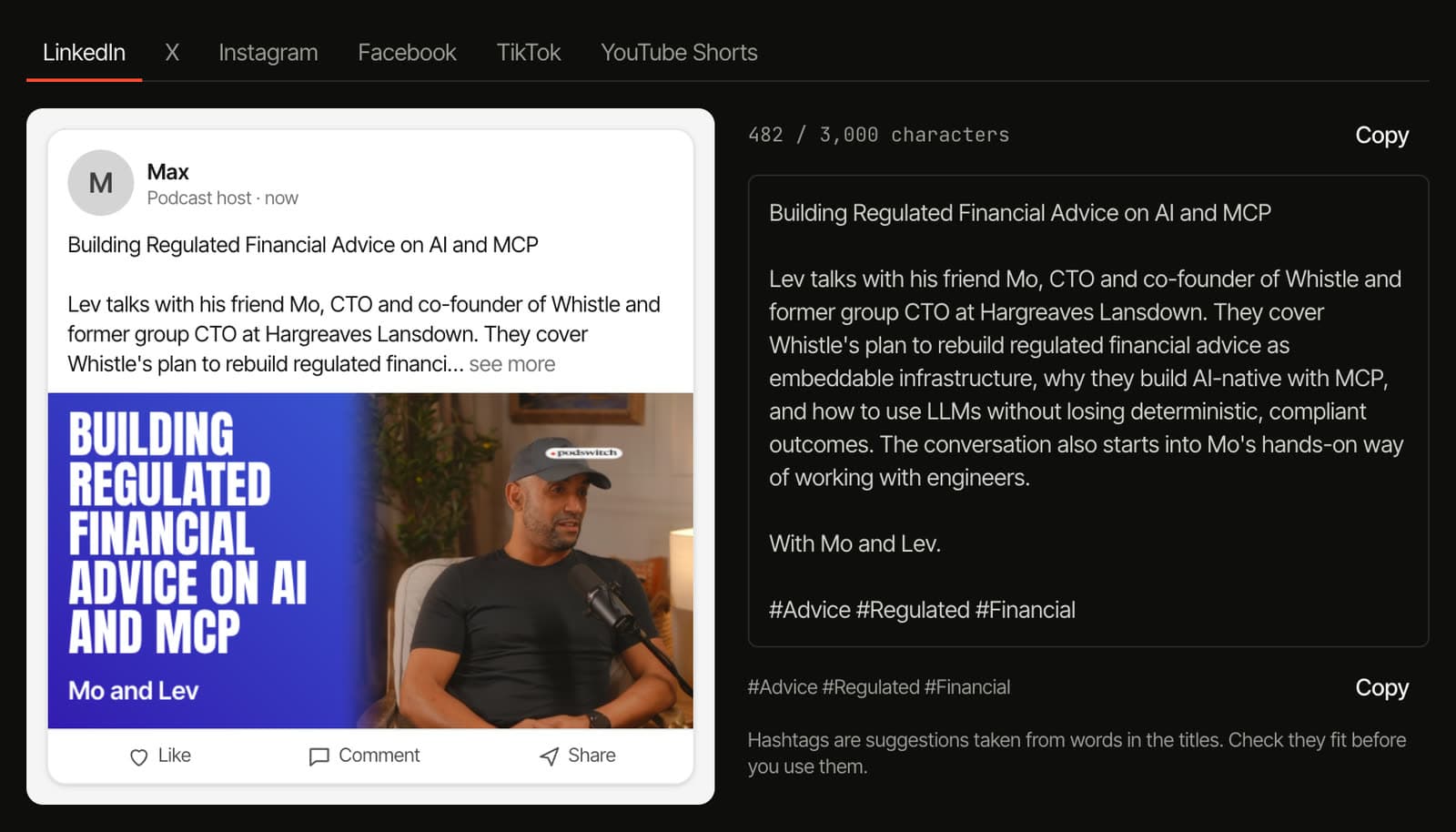
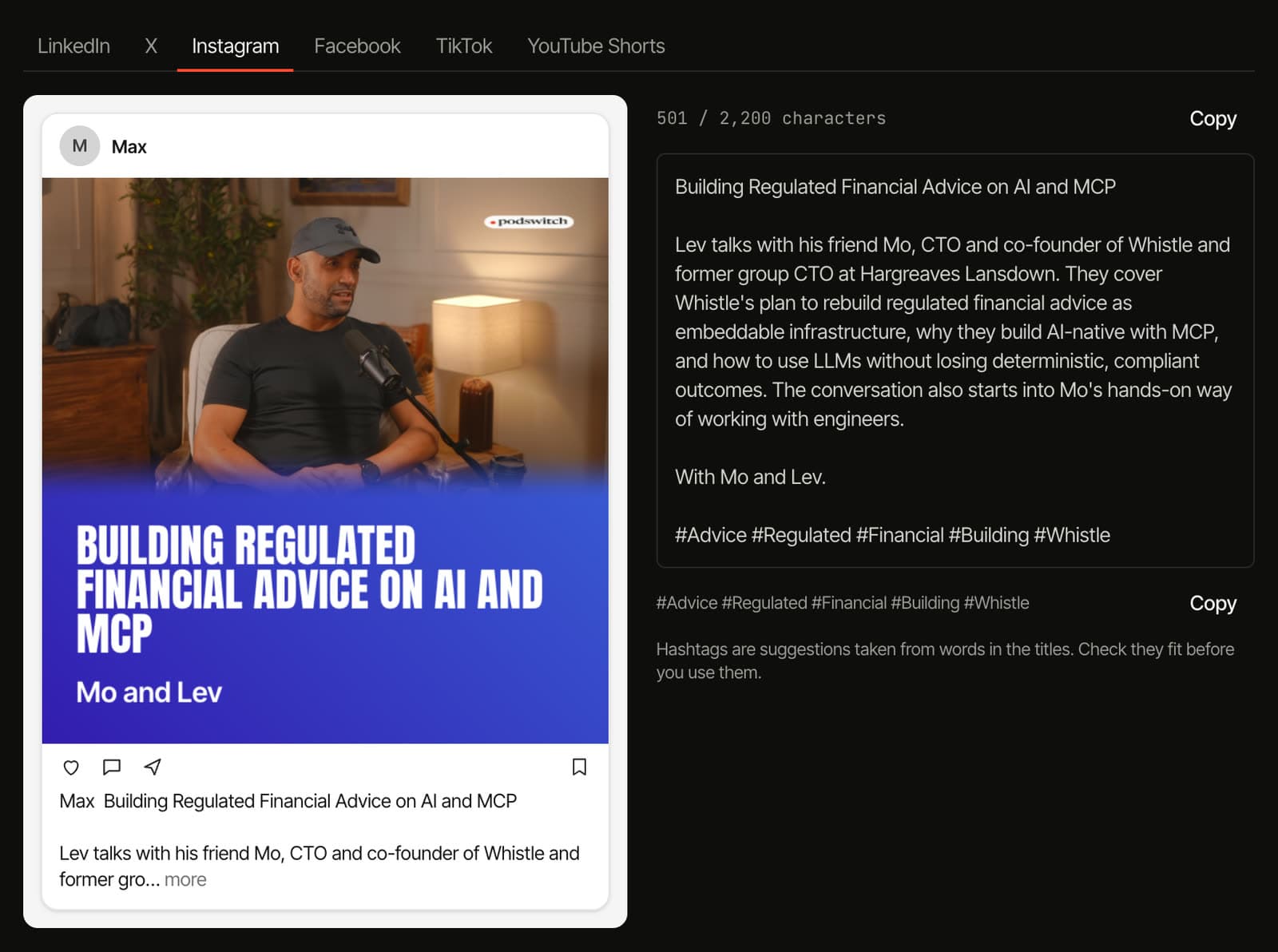
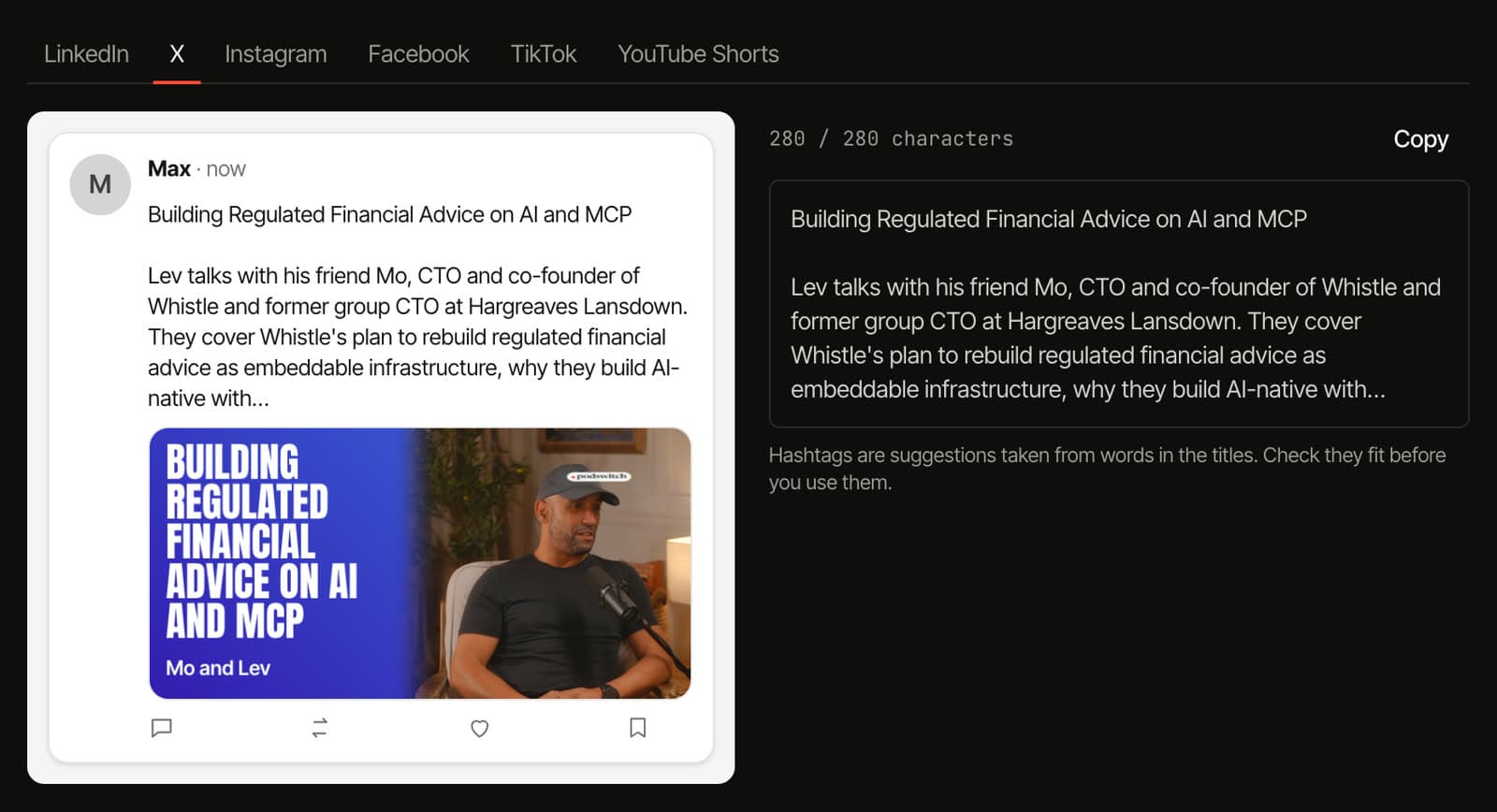
A LinkedIn post reads nothing like a TikTok caption. podswitch writes each one separately, from what was actually said in the episode, and shows you how it will look before you copy it.
- X
- TikTok
- YouTube Shorts
- Written for each platform
- LinkedIn, X, Instagram, Facebook, TikTok and YouTube Shorts each get their own post: a hook, the body, a call to action and hashtags, shaped for how people read on that platform.
- Quotes checked word for word
- Anything in quotation marks is checked against your transcript. A quote that was not said exactly loses its quotation marks.
- See it before you post it
- A preview of each post in the feed, with your thumbnail, and a count against the platform’s character limit. Copy with one click.
- One ZIP with everything
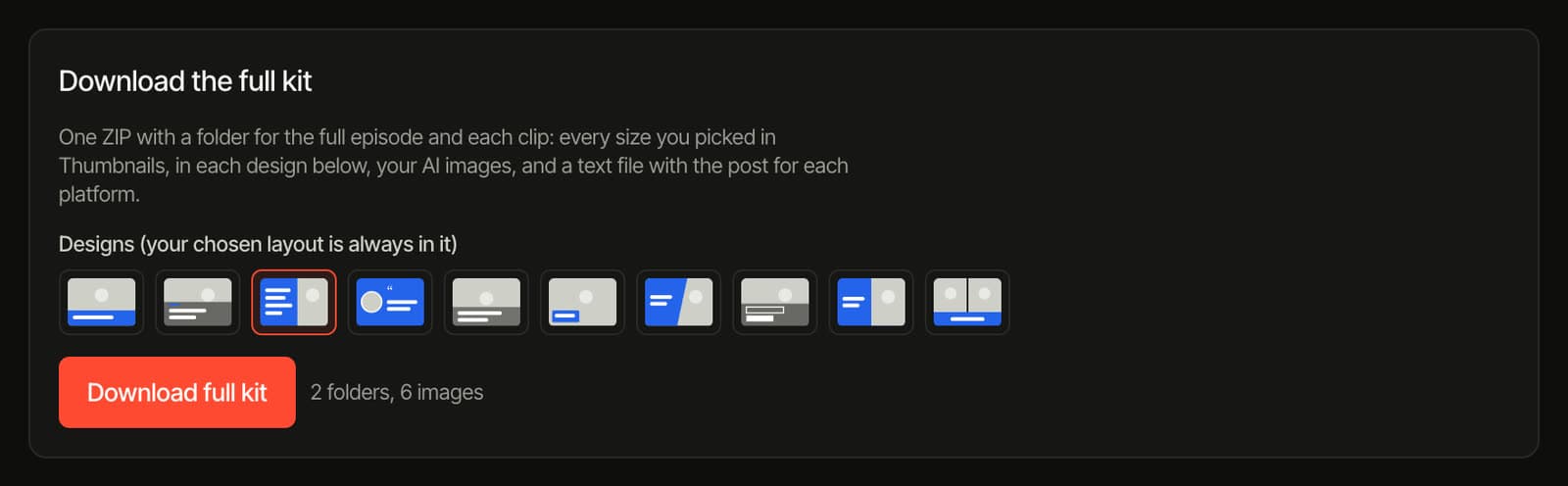
- A folder for the episode and each clip: every image size, each design you chose, your AI images and the post for every platform, with the description and chapters.
How does it work?
- 01
Make the episode in podswitch
Add your recordings as usual. When the edit is ready, the conversation is transcribed with every word matched to its speaker.
- 02
Ask for clips
Choose the shape, how many clips and how long, and optionally what to look for. Each suggestion arrives with its hook, its reason and its viral score.
- 03
Add music, thumbnails and posts
Pick a music idea and lay it under the edit and clips. Design thumbnails from your own frames, or describe one for AI. Write the posts for each platform.
- 04
Export it your way
Open clips in Final Cut Pro, Premiere Pro or DaVinci Resolve, render MP4s in your browser (beta), and download the whole social kit as one ZIP.
Which plan has what?
Clips come with every paid plan. Music, thumbnails and the social kit are part of MAX, £49.99 a month or £499.99 a year, including VAT.
| Feature | Paid plans | MAX |
|---|---|---|
| AI short clips with a viral score and the reason for each | Yes | Yes |
| Vertical, square and landscape, framed on the speaker | Yes | Yes |
| Captions in your style, transcript and episode notes | Yes | Yes |
| Your logo on the edit and clips | Yes | Yes |
| MP4 rendering in your browser (beta) and editor export | Yes | Yes |
| AI background music under the edit and clips | No | Yes |
| Thumbnails in every size, with your logo | No | Yes |
| AI thumbnails from your own frames | No | Yes |
| Social kit: posts for six platforms, previews and one ZIP | No | Yes |
Clips included
- Premium, monthly18 clips a month
- Premium, annual30 clips a month
- Single project15 clips
- MAX, monthly60 clips a month
- MAX, annual60 clips a month
A clip request that fails does not count.
Questions
What is the podswitch Social Studio?
Everything podswitch makes from an episode for social media, in one place: short clips picked by AI with a viral score, in vertical, square and landscape; background music made for the conversation; thumbnails and social images in every size; and post text for each platform with previews and one ZIP download. It sits alongside the full podcast edit in every project.
What is the viral score?
A score from 0 to 100 that the AI gives each clip it picks, with a band (High from 80, Good from 60, Fair below) and the reason for the pick. It reflects what usually works in short video: a hook in the first few seconds, one clear point with a payoff, and a moment that makes sense on its own. It is a guide for choosing what to post, not a prediction of views.
Which shapes can I make?
Clips come in vertical 9:16 for Reels, TikTok and Shorts, square 1:1 for feeds, and landscape 16:9. The crop can be placed on the speaker’s face automatically, in your browser. Thumbnails come in YouTube (3840 × 2160), square (1080 × 1080), vertical cover (1080 × 1920), LinkedIn link (1200 × 627), X card (1200 × 600) and, for the episode, a 3000 × 3000 podcast cover.
How does the background music work?
On MAX, podswitch suggests three music ideas from what is said in the episode. Hear a 30-second sample of each, then make a full track of the one you like. It plays quietly under the full edit and the clips and dips when someone speaks. Move it, trim it and set its level on the timeline, and it arrives as its own track in your Final Cut, Premiere Pro or Resolve files. The music is made with AI, carries an invisible watermark and is not exclusive to you.
Are the thumbnails made from my own footage?
Yes. You pick the person and the moment, and your browser takes the frame from your own camera files and draws the design: 10 layouts, solid colours, gradients, photo effects, 9 title fonts, everyone in one image if you like, and your logo. Nothing is uploaded for these. AI thumbnails are different: you describe what you want, and the frames you choose and your words are sent to our image provider to make the design.
What does the social kit write?
A post for each of LinkedIn, X, Instagram, Facebook, TikTok and YouTube Shorts, written separately for how each platform is read, with a preview of how it looks in the feed and a count against the platform’s character limit. Anything in quotation marks is checked word for word against your transcript; a quote that does not match loses its quotation marks. The episode also gets a description, chapters and title ideas.
Can I download everything at once?
Yes. The full kit is one ZIP with a folder for the episode and each clip: every image size you picked, in each design you chose, your AI images and a text file with the post for each platform. Clips download as timelines for your editor or as MP4s rendered in your browser (beta).
Can I add my logo?
Yes, on paid plans. Upload a PNG, JPEG, WebP or SVG once, then place, turn and resize it on the preview, with its own spot for each shape. It appears in the full edit, the clips, the MP4s you render and the editor files, and on MAX in the thumbnails too.
Which plans include the Social Studio?
Short clips, captions, transcripts and the logo come with every paid plan, each with a number of clips per month. Background music, thumbnails, AI thumbnails and the social kit are part of MAX. The pricing page has the current prices and limits.
It starts with the full edit
Every project also gets the full podcast edit: podswitch cuts a multicam episode from each speaker’s microphone and hands it to Final Cut Pro, Premiere Pro or DaVinci Resolve, with the mic bleed removed from the mix. Your video files stay on your computer. How the edit works.
Your next episode, ready to post.
Try podswitch free on a recording, then upgrade when you want the Studio.