Skip to content

Podcast transcripts

A transcript of every episode, with each word matched to its speaker.

On paid plans, podswitch transcribes every episode you edit. Each word is matched to the person who said it using their own microphone, so the speaker labels follow the same signal as the edit. Download it as plain text, SRT or WebVTT, correct it in the browser, and use it for show notes, subtitles and clips.

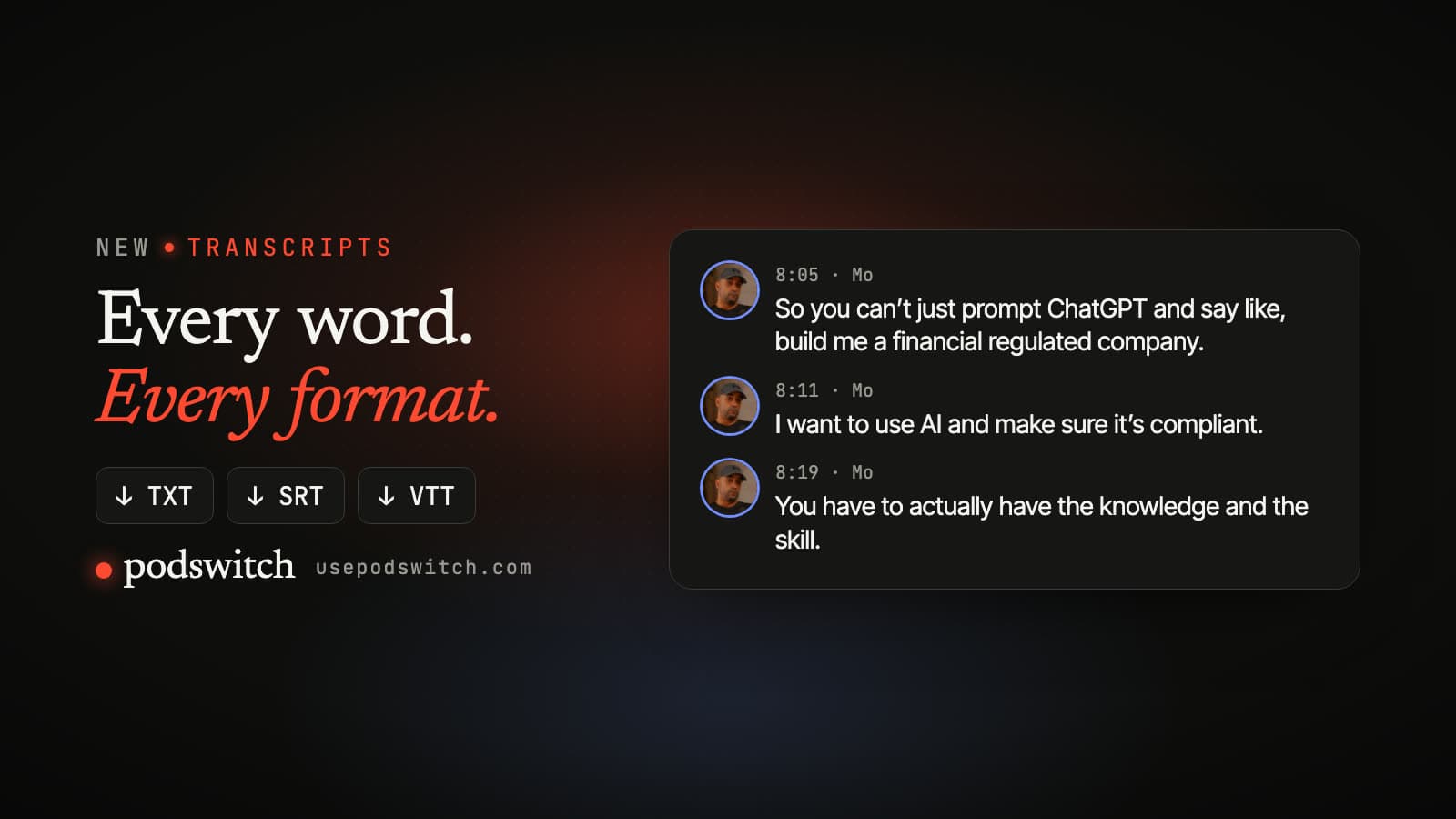
A podswitch transcript with speaker photos and times, and download buttons for TXT, SRT and VTT.

What is in the transcript?

  • Every word, with its time. The whole episode, punctuated, timed on the same timeline as your edit.
  • Speaker names. The names you gave each speaker in the project, with each speaker’s photo taken from their own camera in the browser view.
  • Themes. The topics discussed in the episode, so you can jump to each one in the preview or ask for clips about it.
  • Corrections you control. Fix words in the browser, or replace the whole transcript with your own SRT or VTT file.

How do speaker labels work?

To make the edit, podswitch has already worked out from one microphone per speaker when each person is talking. The transcript uses that same speech activity to label the words:

  1. Each word goes to the speaker whose mic was open for most of the word.
  2. If no mic was open, it goes to the nearest speaker within half a second.
  3. Otherwise it is labelled “Speaker”, and you can correct it.

That is also why the labels use real names: they are the names you entered for each speaker, never file names or email addresses. How podswitch reads the microphones.

Which formats can I download?

Three files, all from the same transcript. The examples show the layout of each file; the names and words are made up.

TXT

One paragraph per speaker turn, starting with the time and the speaker’s name. Easy to read, quote and turn into show notes.

[00:00] Alex: Welcome back. Today we're talking about pricing.

[00:04] Sam: Thanks for having me. It's a topic I care about.

SRT

One subtitle per sentence, with long sentences split. The speaker is named when the speaker changes. Works in most editors and video platforms.

1
00:00:00,000 --> 00:00:03,120
Alex: Welcome back. Today we're talking about pricing.

2
00:00:04,050 --> 00:00:06,400
Sam: Thanks for having me.

WebVTT

The same subtitles in the web format, with each cue tagged with its speaker as a voice, for web players.

WEBVTT

00:00:00.000 --> 00:00:03.120
<v Alex>Welcome back. Today we're talking about pricing.

00:00:04.050 --> 00:00:06.400
<v Sam>Thanks for having me.

What can I use it for?

  • Subtitles for the full episode. Import the SRT into your editor or upload it with the video, so viewers watching with the sound off can follow.
  • Show notes and articles. Start from the plain-text version, with times and names, instead of listening back.
  • Short clips. The transcript is what podswitch reads to suggest clips. See the podcast clip maker.

Which plans include transcripts?

Transcripts come with every plan that includes social clips. The free plan and the free trial make the multicam edit without a transcript.

  • Premium, monthly
  • Premium, annual
  • Single project
  • MAX, monthly
  • MAX, annual

See pricingSocial clips

Podcast transcript questions

How do I get a transcript of my podcast?

Make the edit in podswitch on a paid plan. As soon as the edit is ready, the dialogue mix is transcribed automatically, and the transcript appears on the project with download buttons for TXT, SRT and WebVTT.

How does podswitch know who said each word?

From the microphones. podswitch already knows when each speaker’s mic is active, because that is how it cuts the edit. Each word is given to the speaker whose mic was open for most of it; if nobody’s was, it goes to the nearest speaker within half a second, or is left as “Speaker”. The names are the ones you gave the speakers in the project.

Do the subtitle times match my edit?

Yes. Times in the transcript are on the edit’s timeline, the same timeline as the project you open in Final Cut Pro, Premiere Pro or DaVinci Resolve.

Can I correct the transcript?

Yes. Correct it in the browser, or replace it with your own SRT or VTT file. Corrections are used for the downloads, for the episode’s themes and for any new clips you ask for.

Which plans include transcripts?

Every plan that includes social clips: the paid subscriptions and the single-project purchase. The free plan and the free trial do not include transcripts. Making the transcript does not use any of your monthly clips.

Who transcribes the audio?

The dialogue mix is transcribed by AssemblyAI in the EU. It may not use your audio to train its models, and neither does podswitch. Your video is never uploaded.

Edit the episode. The transcript comes with it.

Try it free