What’s new ·
The Social Studio, team workspaces and the MAX plan
One episode now gives you short clips, music, thumbnails and a post for every platform. Teams can share projects, jump cuts tidy pauses and filler words, and podswitch now works with video calls and solo videos too.
Paid plans
Short clips with a viral score
AI reads the whole conversation and picks the moments worth posting. Each clip shows a viral score out of 100 with the reason it was picked, with pauses cut and the camera on whoever is talking, in vertical, square or landscape.
About the Social Studio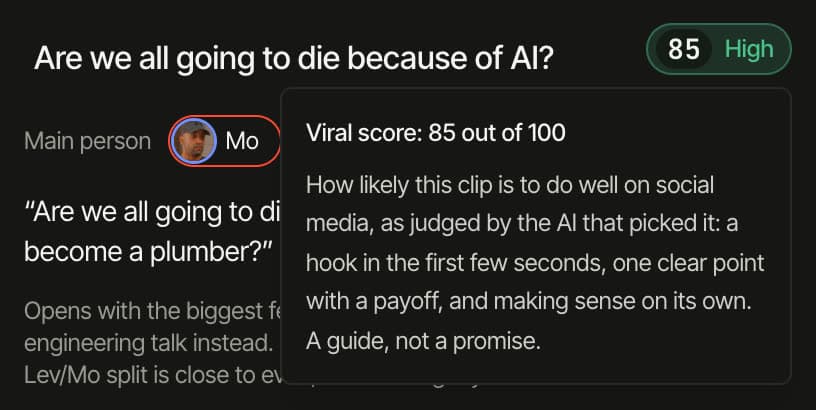
MAX
Background music on its own lane
Three music ideas drawn from what is said, each with a 30-second sample. The track you pick plays quietly under the edit and every clip and dips when someone speaks. Move it, trim it and set its level on the timeline.
About the music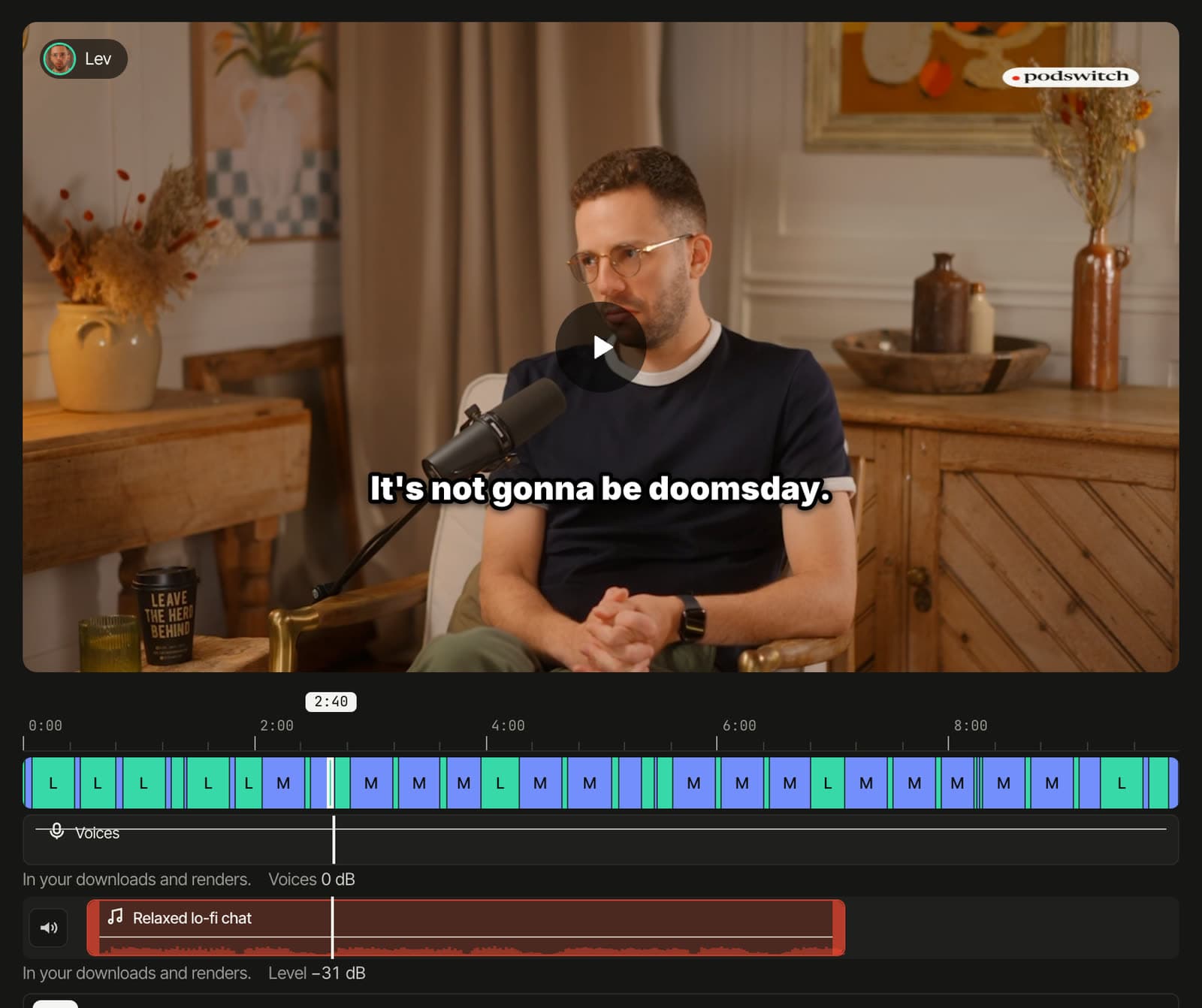
MAX
Thumbnails from your own footage
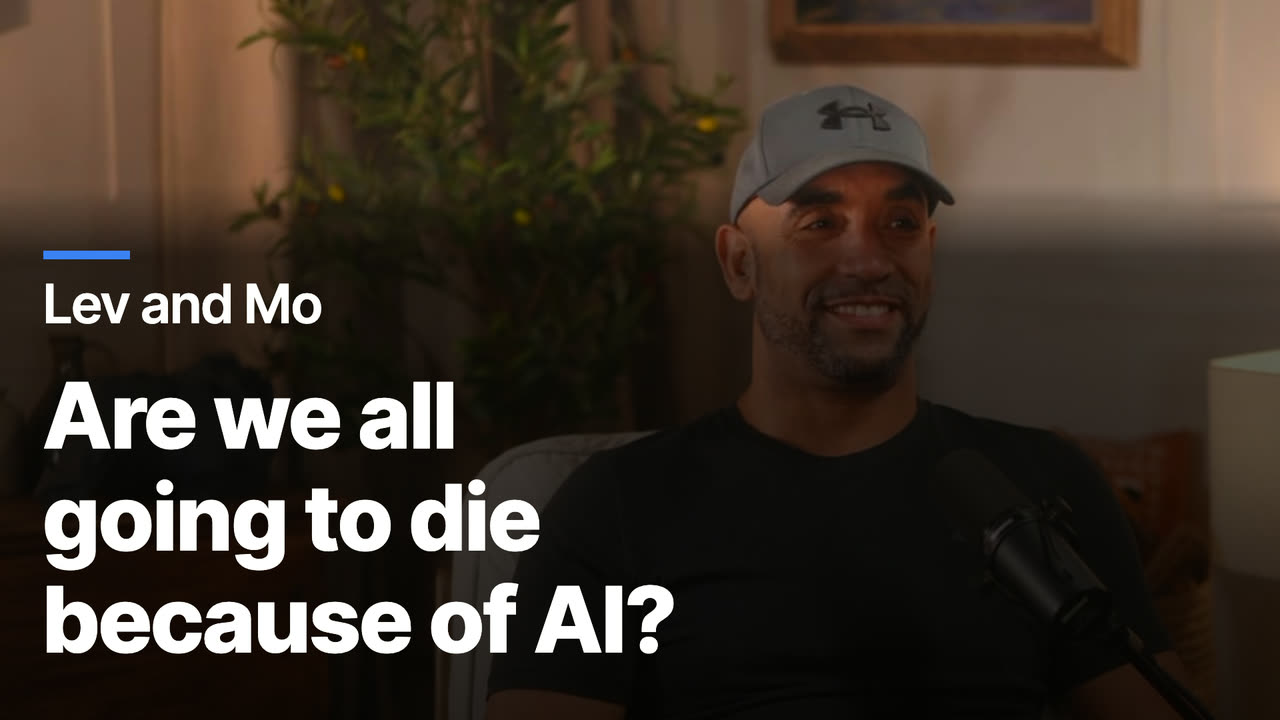
Designs for the episode and every clip, drawn in your browser from frames of your own cameras. Choose from 10 layouts, set the colour opacity, put everyone in one image, or describe a design and get an AI thumbnail made from frames you choose.
About thumbnailsMAX
A post for every platform, in one ZIP
Post text written separately for LinkedIn, X, Instagram, Facebook, TikTok and YouTube Shorts, with quotes checked word for word against your transcript, feed previews and character counts. Download every image and post in one ZIP.
About the social kit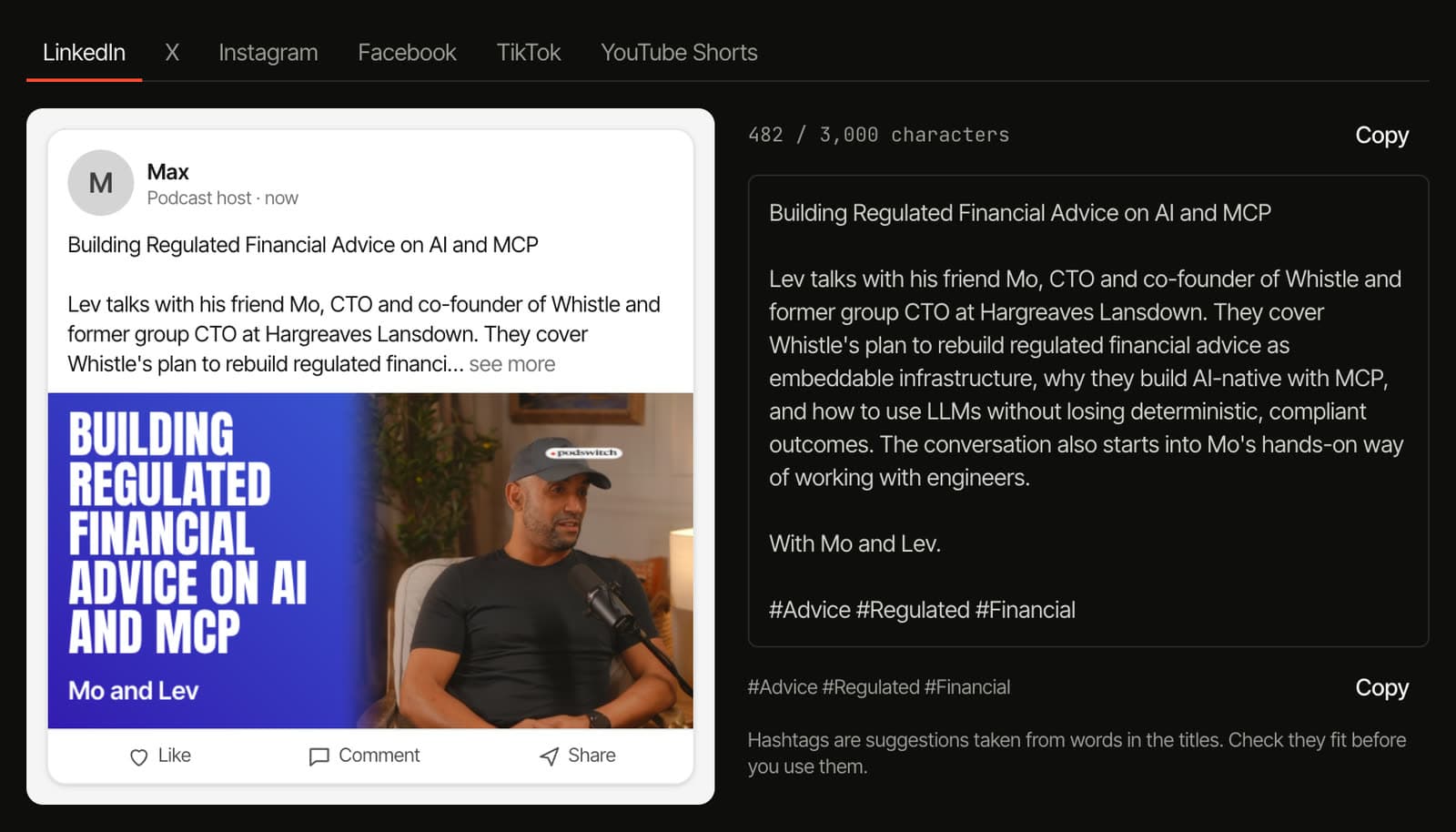
Paid plans
Your logo, and one export pack
Add your logo once and place it for each shape. It appears on the full edit, the clips and MP4 renders, and on thumbnails with MAX. One ZIP now carries everything for Final Cut Pro, Premiere Pro or DaVinci Resolve.
Compare plans
Everything in this release
The full list for 1 November 2026. See pricing for which plan has what.
Social Studio
- Clip cards show the viral score with a label and an explanation of what it weighs. It is a guide for choosing, not a prediction of views.
- Thumbnails and the Social kit have their own tabs after Short clips, and each clip card links straight to its thumbnail.
- Auto-frame places a clip’s crop on the speaker’s face, worked out in your browser.
- Thumbnails come in sizes for YouTube, square feeds, vertical covers, LinkedIn, X and podcast covers, with gradients, photo effects and 9 title fonts.
- Features your plan does not include stay visible, with an example of what they do.
Music (MAX)
- Ideas come from the conversation, with a 30-second sample of each before you choose.
- The full track loops under the edit and clips and dips whenever someone speaks.
- On the music lane you can move the track, trim either end and set its level, with a waveform to guide you.
- In the Final Cut Pro, Premiere Pro and DaVinci Resolve files the music sits on its own track.
- Tracks are made with AI, carry an invisible watermark and are not exclusive to you.
Editing
- Jump cuts, off by default, shorten long pauses on every plan and remove filler words such as “um” and “uh” on paid plans, cutting every camera and the mix at the same frames.
- Episode notes on paid plans give you title ideas, a description, YouTube chapters and show notes.
- One transport bar under the timeline has play, previous and next cut, frame steps, cut tools and zoom.
Recordings
- Video-call recordings from Zoom, Google Meet, Teams and similar. podswitch finds who is speaking by voice and, in gallery view, frames each person from their tile.
- Solo talking-to-camera videos, with jump cuts for long pauses and filler words.
- On MAX, a camera file and a separate microphone file for the same person are paired automatically. The camera sound is used only for sync.
Export
- One export pack for Final Cut Pro, Premiere Pro and DaVinci Resolve with the editor file, mix, music, captions, cut list and logo.
- Your logo (PNG, JPEG, WebP or SVG) can be placed, rotated and snapped for each shape, is burned into MP4 renders and is placed in the editor files.
Teams and projects
- Team workspaces let an owner invite people by email to share projects, saved setting presets and the team’s plan. The owner pays.
- Switch between your own workspace and your teams from the header.
- The Projects page shows each episode with a picture, a description and the speakers. You can switch pictures off for a project or for your whole account.
- A project’s Settings tab groups speakers and cameras, sync and history into cards.
Plans and tools
- The new MAX plan has higher limits and adds background music, thumbnails, the social kit and camera and microphone pairing.
- A free browser tool finds the offset between two recordings without uploading them.
Try it on your own recording.